
Opera
Opera is a free web browser for Windows from Opera Software. The stable release is 136.0.6008.22, published on 17 September 2026.
133.1 MB

Adobe Flash Player is Adobe's deprecated browser extension for multimedia and interactive content. Installing old copies today is a security risk.
Average 0.0 · ratings: 0
Thank you! Your rating is saved; you can change it. Could not save the rating. Please try again later. Too many ratings from your network today. Please try again tomorrow. The average appears after 5 ratings.
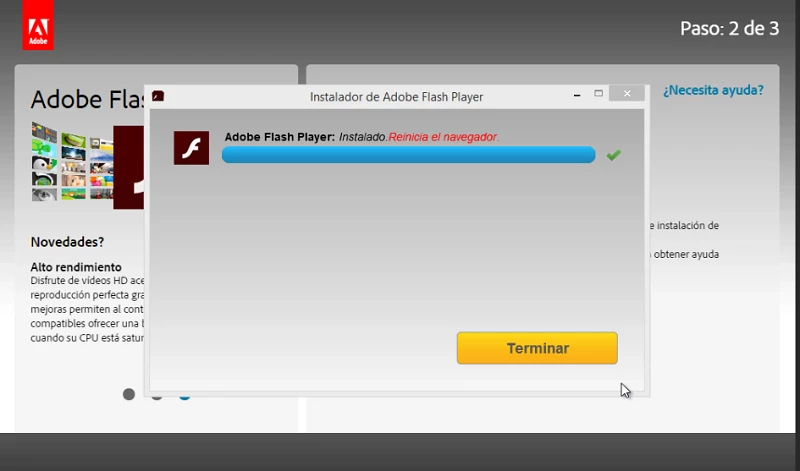
Adobe Flash Player is Adobe's deprecated browser extension for viewing multimedia, rich internet applications and streaming video and audio; this listing refers to version 32.0.0.465, the final build. Because the software is no longer maintained, this page explains its status and safer options rather than encouraging an Adobe Flash Player download.
Flash Player first appeared in 1999 and for more than a decade was the way websites delivered animation, video, games and interactive learning materials. It worked as a runtime system: a site sent a Flash file, and the plugin in your browser played it. As web standards such as HTML5 took over those jobs, Flash lost its role, and Adobe stopped developing it. The last versions in the 32 line were released during 2020, with 32.0.0.465 in December 2020 among the final builds. Today the plugin is described as deprecated, and current browsers are built around web standards instead. For ordinary users this means there is nothing to install: the sites you visit today do not need it, and an old copy of the plugin only adds risk to your computer.
| Item | Details |
|---|---|
| Version listed | 32.0.0.465 (December 2020) |
| Last builds | 32.0.0.465 (December 2020) |
| Developer | Adobe |
| First released | 1999 |
| Type | browser extension, multimedia framework |
| Status | deprecated |
| Size | about 20.34 MB according to catalogue data |
Adobe's own Flash Player page explains the product's status.
If you need to open old games, animations or training materials, use projects that preserve Flash content without the original plugin. Emulators written in modern web technologies and archive projects can play many old files safely inside a current browser. For a corporate application that still depends on Flash, ask the vendor for a supported replacement rather than keeping an unpatched plugin on a networked PC.
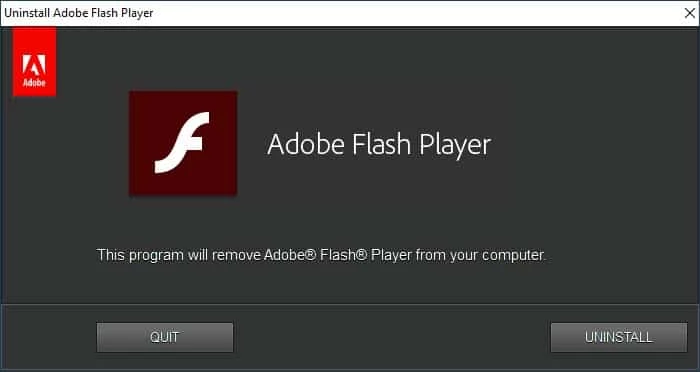
If an old version is still installed, remove it via Settings > Apps in Windows, then restart the computer. Check the list of browser extensions as well and delete anything related to Flash that you do not recognise.
Current browsers from our listings, such as Google Chrome, Mozilla Firefox and Microsoft Edge, play video and interactive content with built-in web standards. Java 2 Runtime Environment, another item from the same category, is still maintained for programs that need it.
Opera is a free web browser for Windows from Opera Software. The stable release is 136.0.6008.22, published on 17 September 2026.

UC Browser for Windows is the desktop version of the web browser from UCWeb, a Chinese mobile internet company.

Google Translate is Google's multilingual machine translation service, used on Windows through the website and a browser extension.

Microsoft Edge is Microsoft's web browser, preinstalled on current Windows versions and available as a free download for reinstalling or updating.

Vivaldi is a free, highly customisable web browser from Vivaldi Technologies, based on Chromium and with a built-in email client. This page covers version 8.2 (4133.76).

Mozilla Firefox is a free and open-source web browser developed by Mozilla, available for Windows, macOS, Linux, Android and iOS.

Google Chrome is the free web browser from Google. The stable Windows release is 154.0.8037.58, out since 22 September 2026.

Cent Browser is a free Chromium-based browser for Windows from Cent Studio that adds mouse gestures, tab tweaks and other power-user options.